
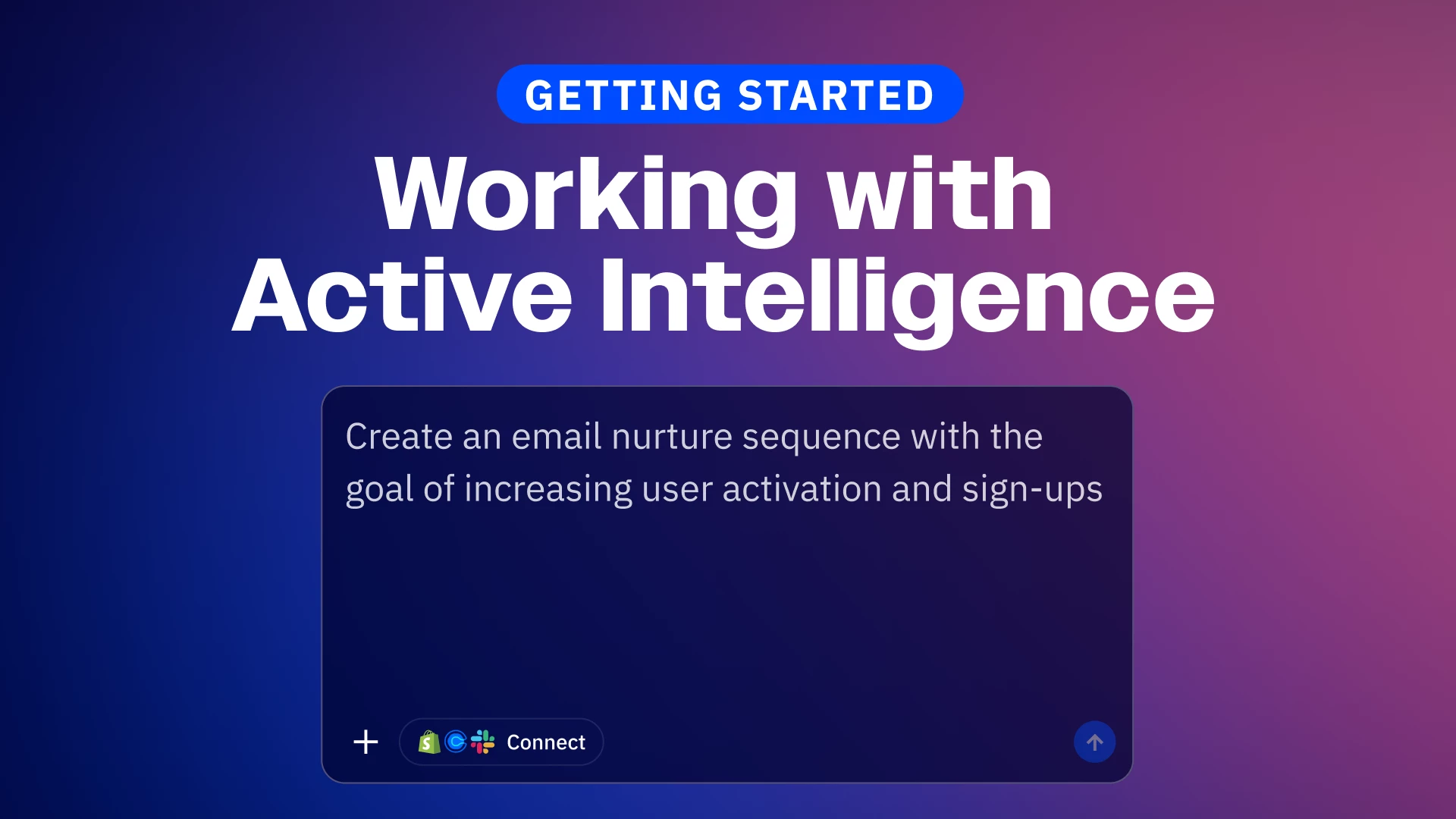
Instead of manually building campaigns step by step, you can simply tell Active Intelligence what you want to accomplish, and it creates entire campaigns, automations, and more.
In this video, I'll walk you through how to use plain language prompts to generate campaigns and automations, and how to leverage AI suggestions to improve your marketing without technical complexity. We will start by opening the Active Intelligence workspace via the icon at the top left of your screen.
If you are new to Active Intelligence, you can begin by asking "what can you do?" to see a breakdown of the workspace's capabilities. Once you are ready, you can type a prompt like "create a welcome campaign for new subscribers". Active Intelligence will translate your plain language into a complete, functional campaign ready for review. You maintain full control to make edits.
We will also cover:
- Converting to Automation: Learn how to pivot from a single campaign to a multi-step automation by simply asking the AI to expand the workflow with additional emails and conditions.
- Visual Workflow Generation: See how the AI builds the visual workflow for you, handling the configuration that would normally require manual drag-and-drop actions.
- The Active Intelligence Sidebar: Discover how this context-aware assistant travels with you across the platform, allowing you to make edits—like shortening wait steps or adding tags—without leaving the builder.
With Active Intelligence as your advisor, you can continuously build, refine, and improve your marketing efforts.